PC Builder & Part Picker
The best way to pick parts for your PC.
Your next build starts here. Choose PC parts, check compatibility, compare prices, and see your custom PC in 3D before you buy. BuildCores brings the whole plan together.
A visual PCPartPicker alternative. Built for confident decisions.
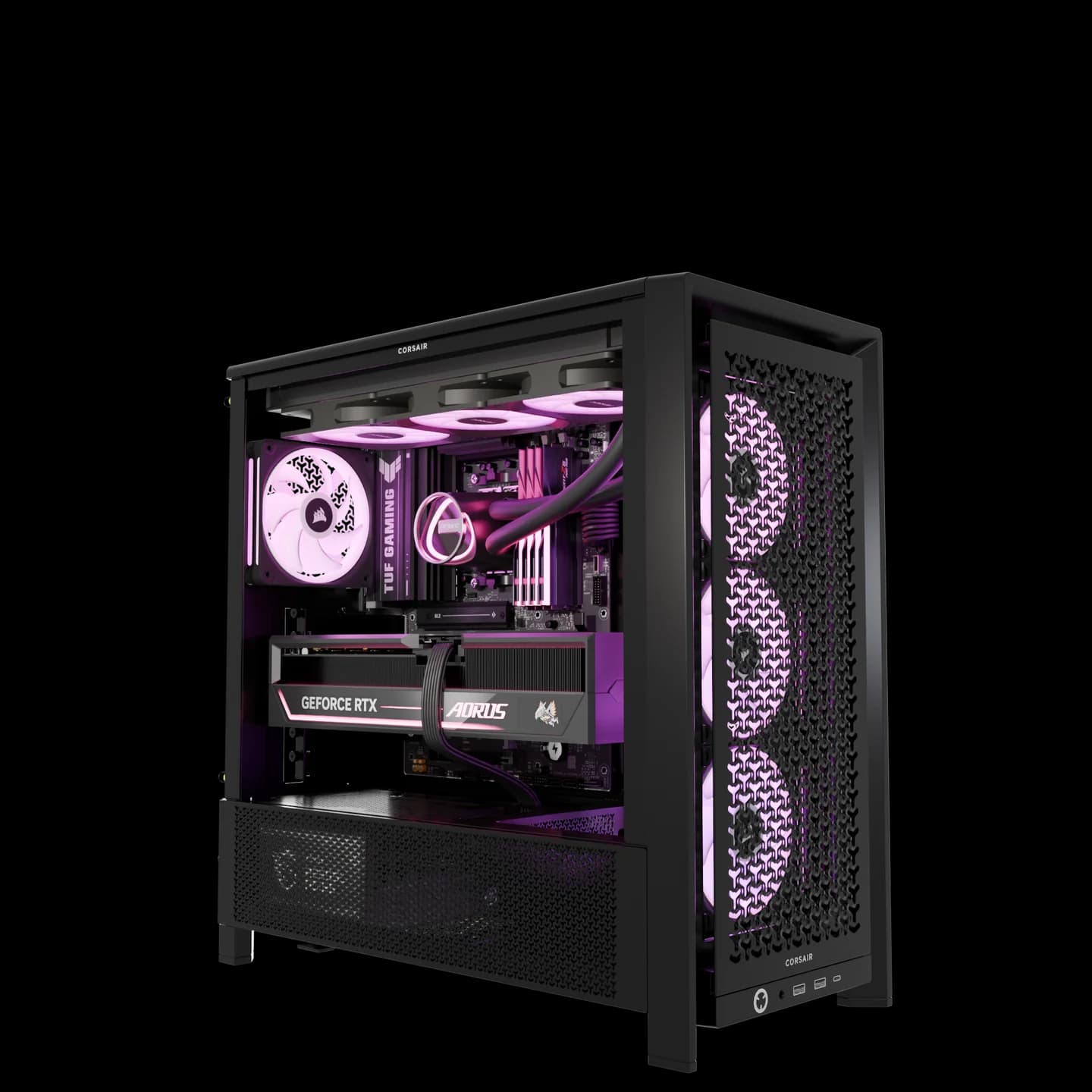
Your parts. Your build. In 3D.
Preview supported components together before placing an order.
Everything you need
to plan a setup
Compare prices, plan your monitor layout, and preview your setup in 3D.
Cost OptimizationCost Saving

Monitor Layouts

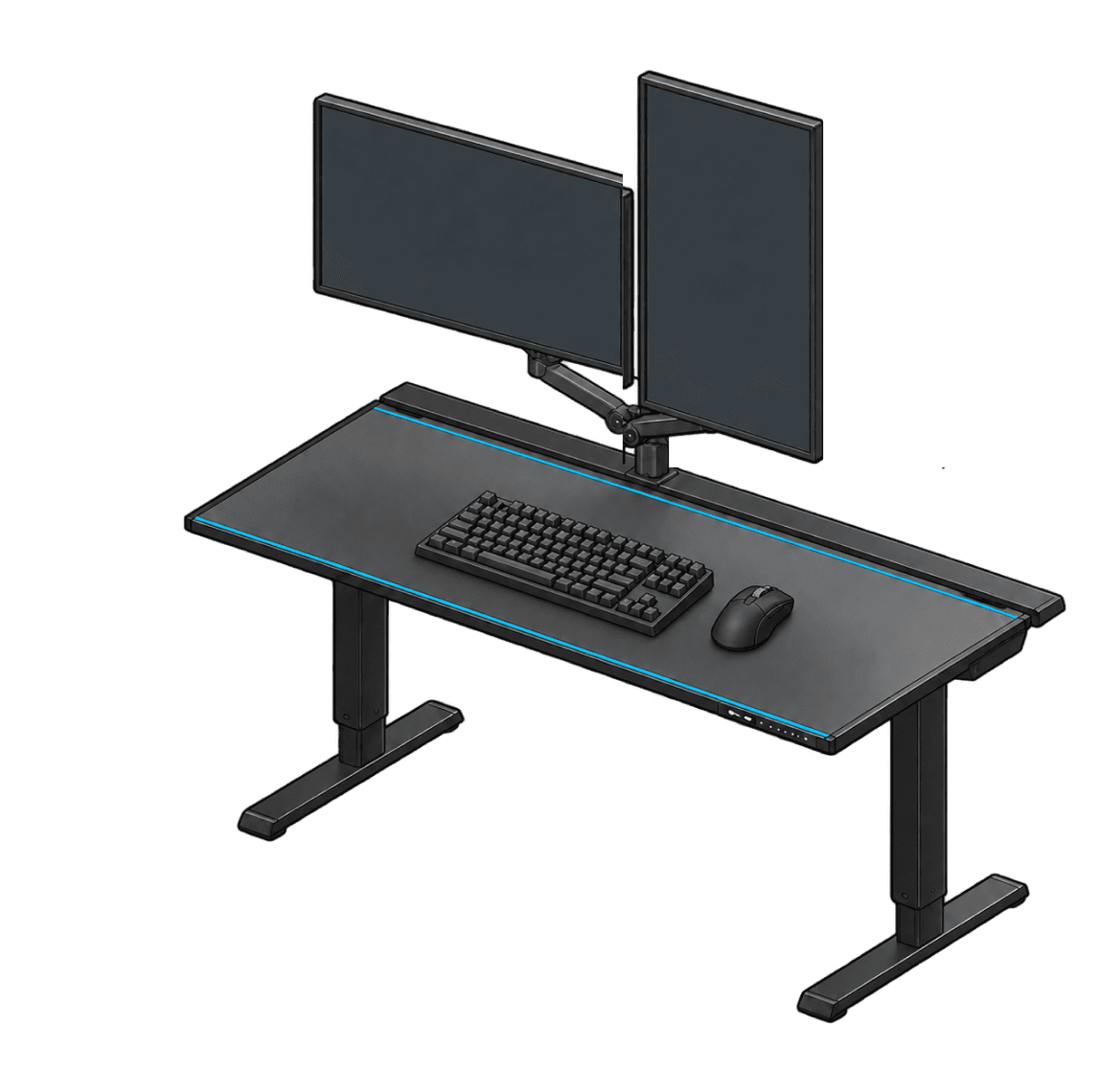
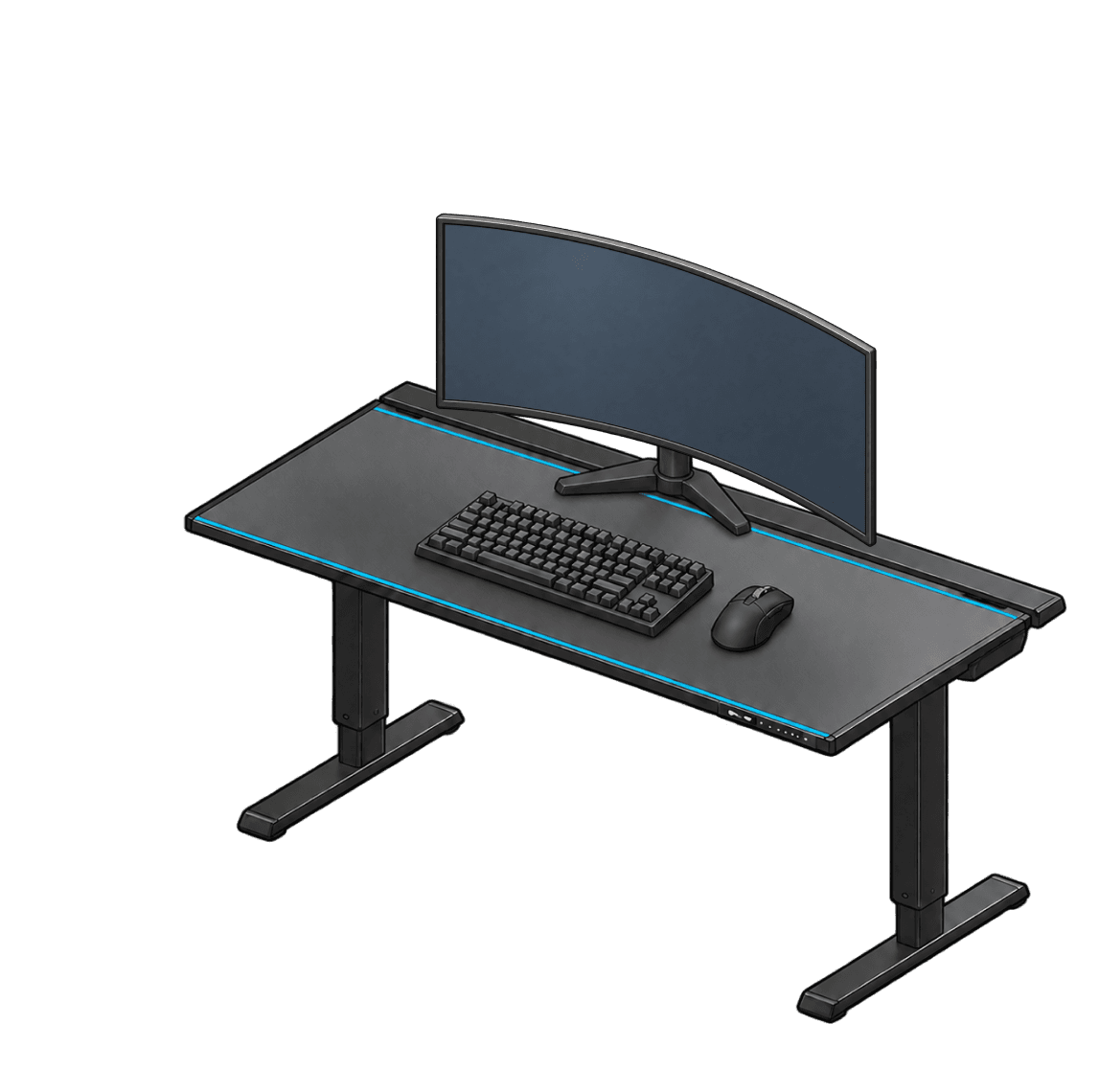
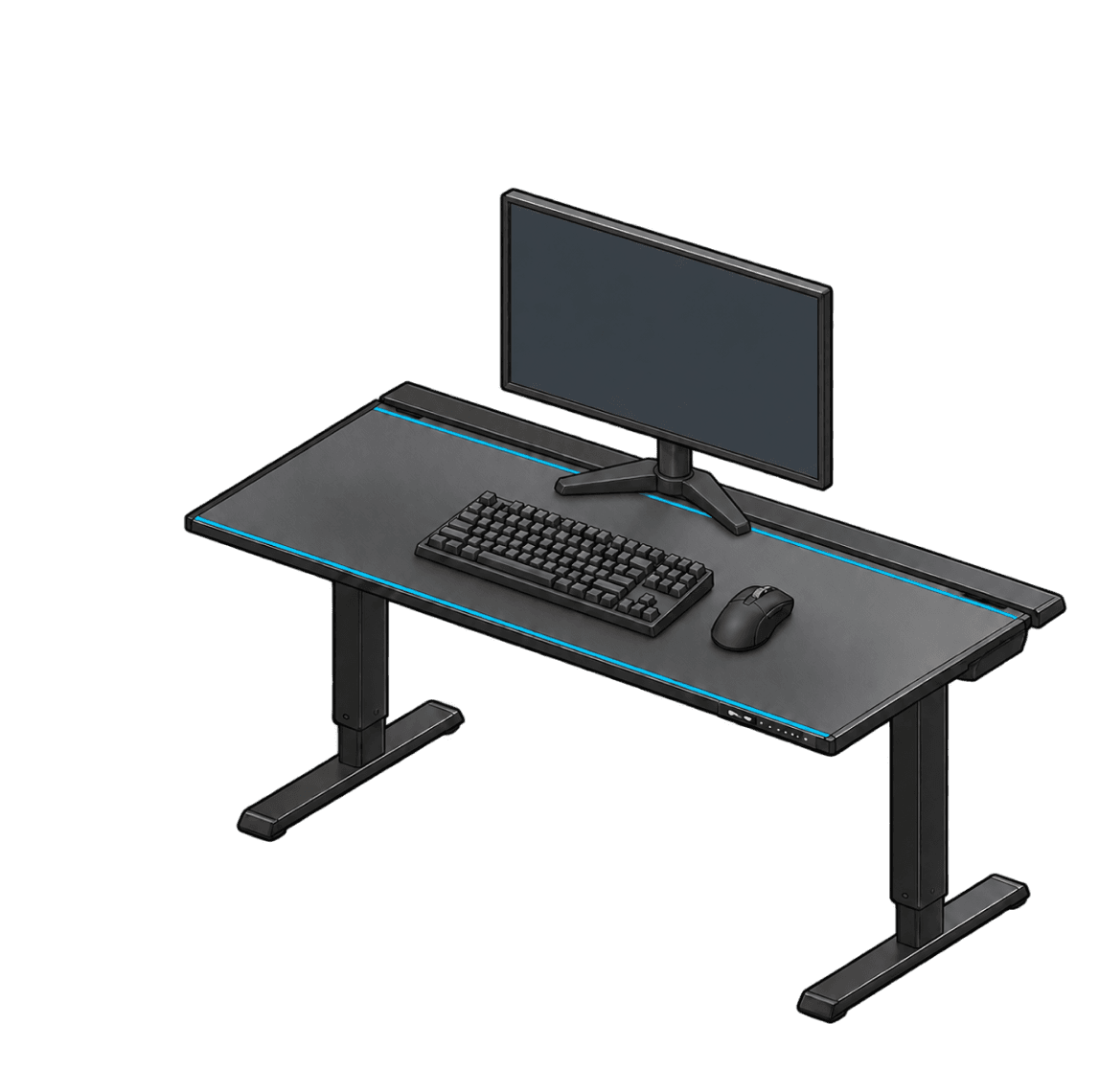
Preview four monitor layouts: side by side, primary with a vertical display, curved ultrawide, and a standard single monitor.
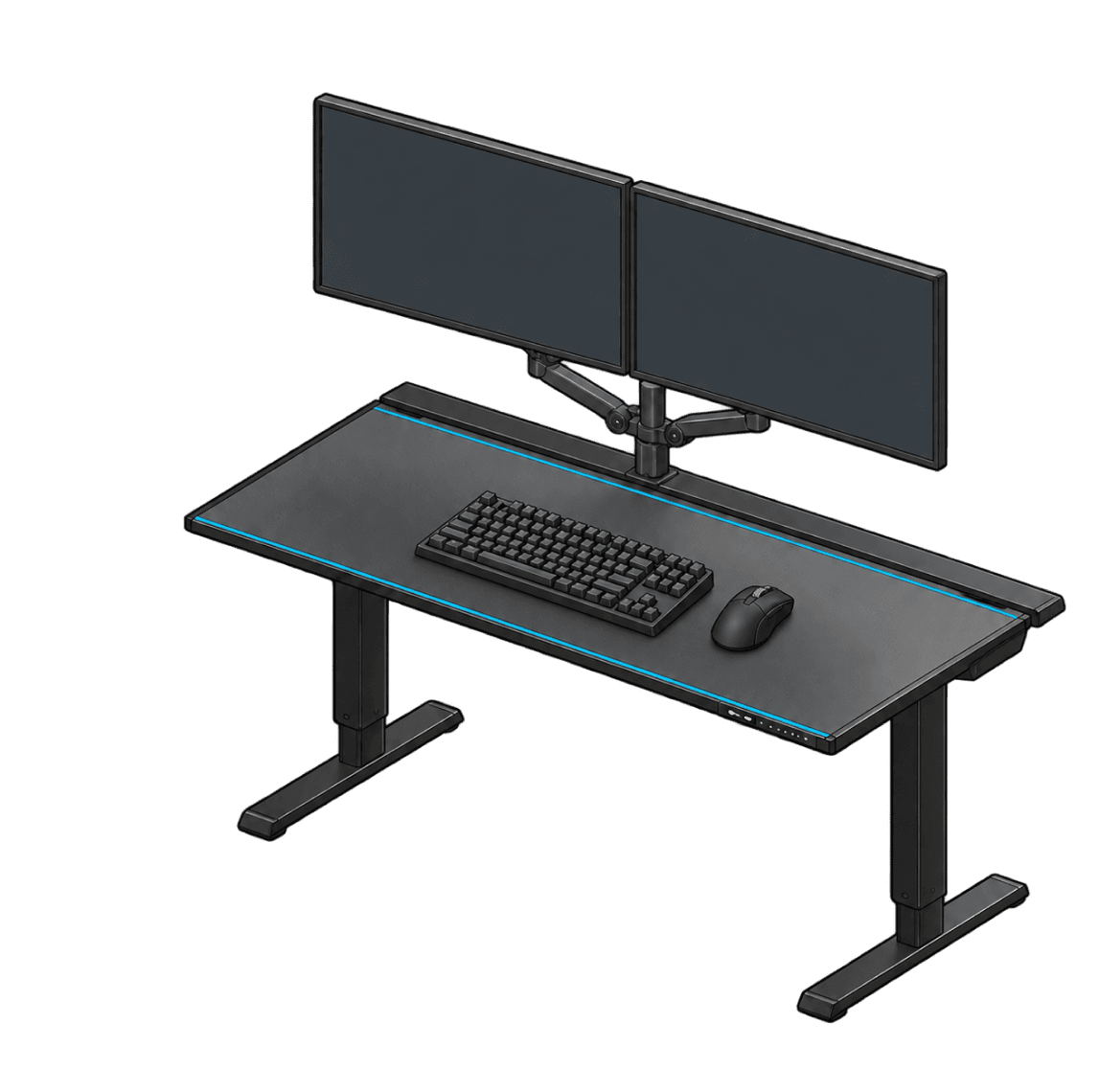
Side by sideDual
Primary + VerticalMixed
Ultrawide21:9
Standard16:9
Game FPS Estimation
Illustrative estimates, not live benchmark results.



$130


$140

$150


Compare Prices

Power DrawPower & Wattage
From first part to finished PC.
The right PC part picker helps you understand every choice. BuildCores keeps the specifications, compatibility guidance, and 3D view close to your parts list.
- 01
Pick your PC parts
Start with a case, CPU, or graphics card. Compare specifications and retailer listings to find the right components for your goals and budget.
Browse PC parts - 02
Check the details
Review compatibility guidance, estimated power draw, and gaming performance as your parts list takes shape. Make an informed choice before you buy.
Explore price comparison - 03
See it come together
Preview supported components in 3D, compare their size and appearance, and plan the desk and peripherals around your finished PC.
Explore Setup Builder
Build a PC you can see before you buy.
Bring your parts list to life with a PC builder made for visual planning.
PC builder & part picker FAQ
Choosing your first component or comparing PCPartPicker alternatives? Start here.
What is a PC builder and part picker?
A PC builder and part picker helps you choose the components for a custom computer, including the CPU, graphics card, motherboard, memory, storage, power supply, cooling, and case. BuildCores brings your parts list together with compatibility guidance, retailer prices, and a 3D preview of supported components.
Is BuildCores better than PCPartPicker?
If you want to see your PC while you pick its parts, BuildCores is a great PCPartPicker alternative. You can choose components, preview supported parts together in 3D, compare retailer prices, and review compatibility guidance in one place. It is a better way to plan for builders who care about how the finished PC looks as well as its specifications. BuildCores is an independent platform and is not affiliated with PCPartPicker.
How accurate is the BuildCores 3D PC builder?
BuildCores combines component specifications, compatibility guidance, and 3D models for supported parts to help you plan accurately. Inspect the layout and appearance of your build, then review the part specifications before buying. Model availability and compatibility coverage vary by component, so confirm critical clearances and requirements with the manufacturer's specifications.
Can BuildCores check PC part compatibility?
Yes. BuildCores provides compatibility guidance as you select components, helping you review concerns such as CPU and motherboard support, memory, case fit, cooling, and power requirements. Review any warnings in your build and confirm manufacturer requirements before ordering.
Can I compare PC part prices before I buy?
Yes. BuildCores shows regional retailer listings so you can compare available prices while planning your PC. Select your region to see relevant listings. Prices and availability can change; the retailer confirms the final price at checkout.
Can I use this part picker for a gaming PC?
Yes. Choose parts for your gaming PC, review estimated game performance, check your power requirements, and preview supported components in 3D. Performance estimates help compare options; actual frame rates depend on your games, settings, drivers, and hardware.
Can I plan my whole setup with BuildCores?
Yes. Start with your PC in BuildCores, then use Setup Builder to plan the desk, monitors, peripherals, and accessories around it. You can explore the PC build and the wider gaming setup as part of the same planning process.